Image Compressor Free: Shrink Photos Without Ruining Them
Why File Size Matters More Than You Think
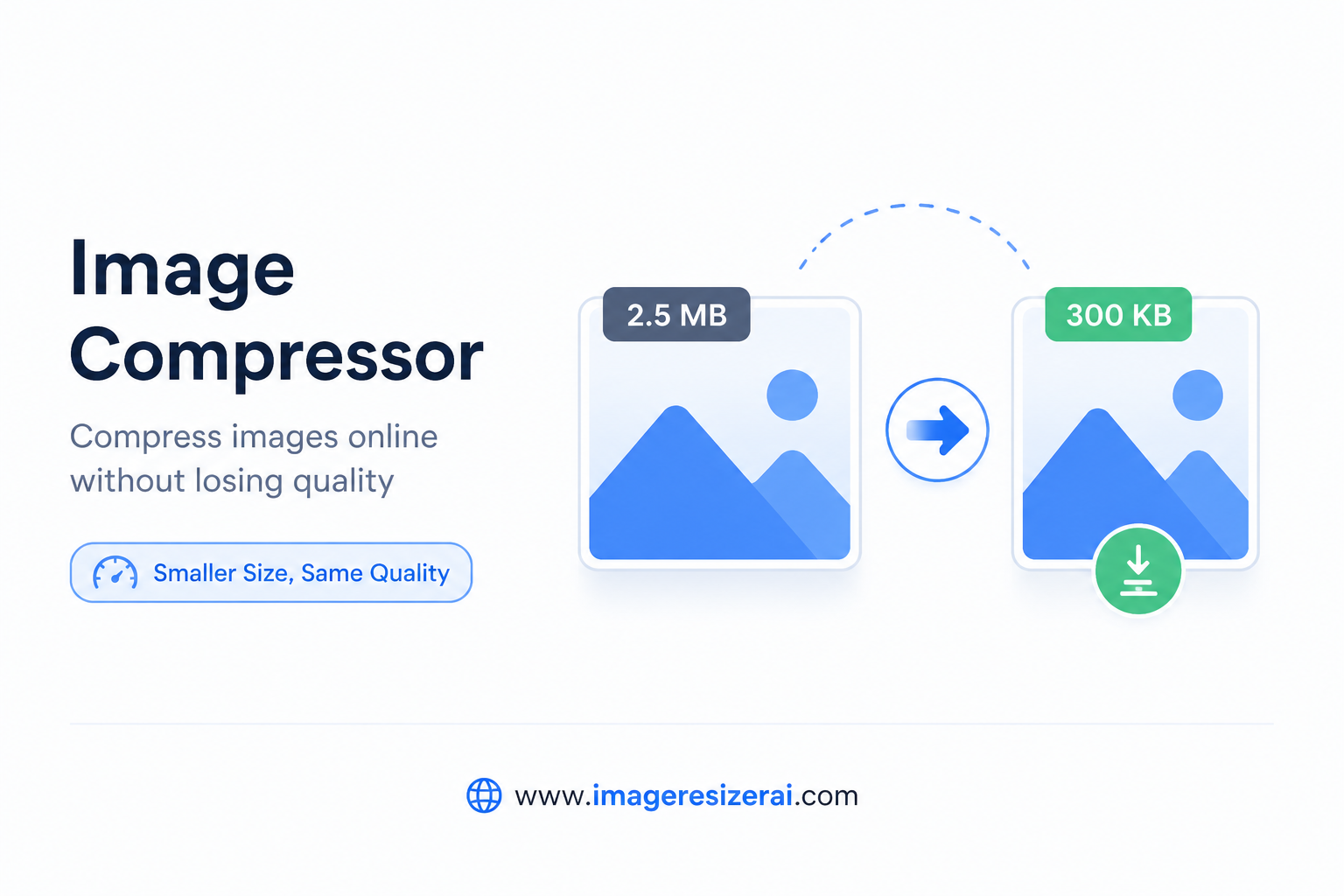
A 5MB image isn't just annoying to upload — it actively hurts you. If you run a website, large images slow your pages and tank your Google rankings. If you're filling out a form, oversized files get rejected. If you're sending emails, attachments fail.The fix? A free image compressor. And no, compressing doesn't mean ruining your image. Done right, you can cut file size by 60–80% with virtually no visible quality loss.
How Image Compression Actually Works
There are two types of compression:
Lossy Compression
This permanently removes some image data — typically detail the human eye doesn't easily notice. JPG files use lossy compression. You set a quality level (e.g., 85%) and the encoder discards less-important data to hit that target. The result: smaller file, slightly less perfect image.
Lossless Compression
This removes redundant data without touching actual image content. PNG files can use lossless compression. The file gets smaller, but every pixel remains exactly the same as the original.For most web and sharing use cases, lossy compression at 80–90% quality is the sweet spot — files are dramatically smaller, and images look identical on screen.
Free Image Compressor Tools Worth Using
• ImageResizerAI.com — processes images client-side, no upload to servers, supports JPG/PNG/WebP• Squoosh.app — by Google, open source, excellent quality control• TinyPNG — popular for PNGs, also handles JPGs, simple drag-and-drop• Compressor.io — good for quick single-image compression with quality preview
Step-by-Step: Compressing an Image for Free
18. Open ImageResizerAI.com or your preferred free image compressor19. Upload your image — drag and drop works on most tools20. Choose your output format (JPG for photos, PNG for graphics with transparency)21. Set quality level — 80–85% is ideal for web use22. If needed, also set a target file size in KB23. Download the compressed file
💡 Pro Tip: Run your images through a compressor before uploading to any website. This is one of the highest-ROI things you can do for page speed.
Target File Sizes by Use Case
• Website hero image: Under 200KB
• Blog post image: Under 100KB
• Product thumbnail: Under 50KB
• Email attachment: Under 1MB tota
l• Government form photo: Usually 10KB–50KB
• WhatsApp sharing: Under 500KB (WhatsApp compresses further anyway)
Does Compression Affect Print Quality?
For print, compression is less relevant — what matters is DPI (dots per inch). Print files should be at 300 DPI minimum. Compressing for web (which optimizes screen viewing) is separate from preparing a file for print.If you need a file for both web and print, maintain two versions: a full-resolution original for print, and a compressed web version.
Batch Compression: Saving Time on Large Projects
If you manage a website or e-commerce store, you often need to compress dozens or hundreds of images at once. Look for tools with batch compression — ImageResizerAI.com's advanced resizer handles multiple files simultaneously.
Final Thoughts
Free image compression is genuinely one of the most practical things you can do for your digital workflow. It speeds up your website, makes sharing easier, and helps files pass upload restrictions — all without spending anything.
✅ Visit ImageResizerAI.com to compress images free, instantly, with no watermarks.